How to Choose an Audio Visualizer Style That Fits Your Sound
Compare prisms, silk ribbons, orbital arcs, petals and meteor trails, then match the visual movement to your music or spoken audio.
The same recording can feel precise, playful or spacious depending on the picture around it. Choosing an audio visualizer style starts with deciding what the viewer should notice: the rhythm, the spoken idea, the artwork or the atmosphere.
The suggestions below are creative starting points. You do not need to match a genre to a prescribed effect. Compare a few options with the same passage and choose the one that supports the listening experience you want.
For structure: prisms, folds and crystals
Lucent Steps turns frequency values into a staggered array of dimensional columns. Origami Pulse uses alternating triangular facets, while Quartz Garden lifts an isometric field of tiles. These styles give the sound a clear geometric structure.
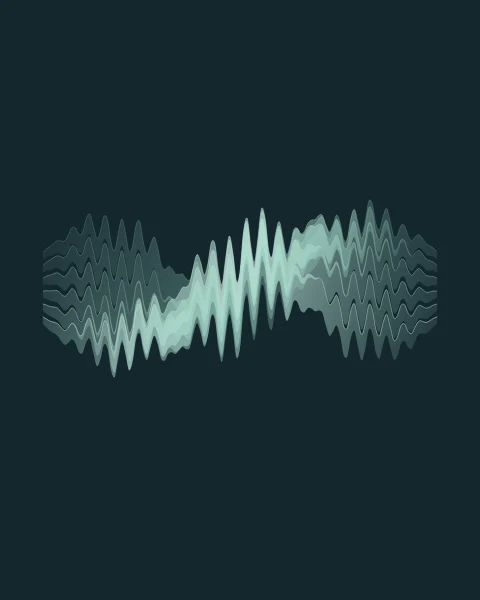
For a softer reading of the waveform, try Satin Current: several translucent bands weave through one another. Echo Trace takes a different approach, using delayed waveform samples to draw an XY trace inside a circular dial. It is an artistic phase-inspired view of one audio signal, rather than a stereo correlation meter.
There is a real distinction behind those appearances: the Web Audio specification separates time-domain waveform values from frequency-domain analysis. Neither view is a transcript, an instrument detector or an automatic identification of the beat.
For a centered composition: orbits and petals
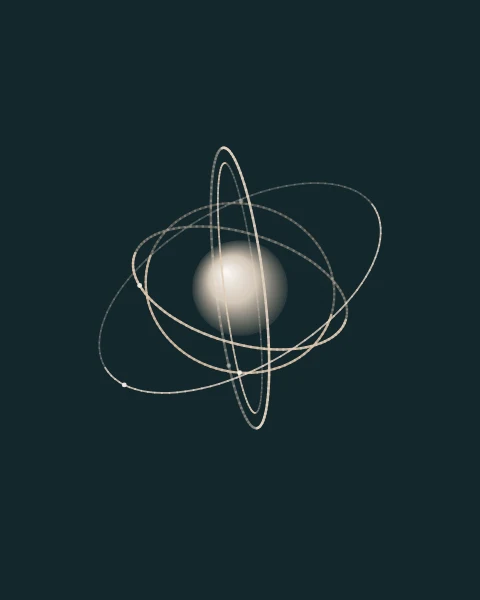
Halo Atlas uses broken concentric arcs moving in opposing directions. Their lengths and brightness respond to the spectrum. Celestial Spin adds an impression of depth, with tilted orbits and moving satellites around a luminous core.
Opal Flower layers translucent petals into a flower-like sculpture. Each petal responds to part of the spectrum, while the center expands with low-frequency energy. Terra Echo uses nested topographic loops for a quieter, more intricate silhouette.
These compositions occupy a recognizable area of the frame. Watch the preview after changing between portrait, square and landscape so the central shape still has space to breathe.
For atmosphere: light, travel and surfaces
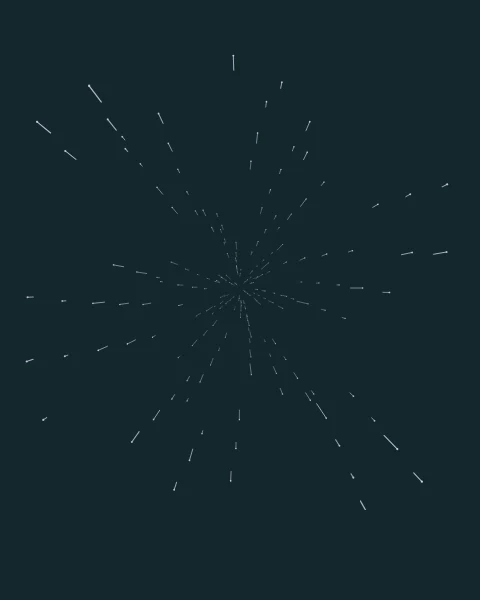
Polar Glow creates vertical curtains of light with a frequency-driven edge. Starfall Rush sends bright particles outward in perspective, with audio-reactive trails instead of a circular spiral. Tidal Matrix projects a connected, rippling surface of points toward the viewer.
Compare their motion at the size your audience will see. Fine contours and delicate mesh lines reward a larger viewing area, while broad ribbons, petals and dimensional towers read more clearly in a small preview.
More visible activity does not automatically make the video more engaging. If the visual attracts attention away from a spoken sentence or important artwork, lower the sensitivity or return to a simpler design.
Separate style, sensitivity and smoothing
The style decides what is drawn. Sensitivity affects how strongly the design responds to the audio values. It changes the picture; it is not an audio-volume or mastering control.
In this tool, the Smoothing control is connected to frequency analysis, so it is most useful to compare on spectrum-based styles. It is not a universal softness control for every shape. Waveform-based effects may not change in the same way when you adjust it.
For a controlled comparison, leave the layout, color and background unchanged. Play one quiet section and one busy section, swap styles, then adjust sensitivity. Only change the smoothing after you have a useful starting response.
Make a shortlist of three
- Pick one simple style, such as Lucent Steps or Terra Echo, as your reference.
- Choose one alternative with a different silhouette, such as Halo Atlas or Opal Flower.
- Add one more expressive option, such as Starfall Rush or Quartz Garden.
Watch each with the same audio passage, then compare with the sound muted to check the visual hierarchy. The title should still be readable and the frame should still feel intentional. Export a short test of your favorite before applying it to a longer track.
You can browse all twelve styles in the tool or follow the music video walkthrough to build the complete piece.